What is Autodesk InfoWater Pro?
Engineers use Autodesk InfoWater Pro® software to model water distribution systems in an easy-to-use GIS interface.
- Leverage spatial analysis tools available in ArcGIS Pro to help with model building and management.
- Analyze and understand criticality in your system, including pressure transient events.
- Present results clearly and share them in ArcGIS Online.
What you can do with InfoWater Pro
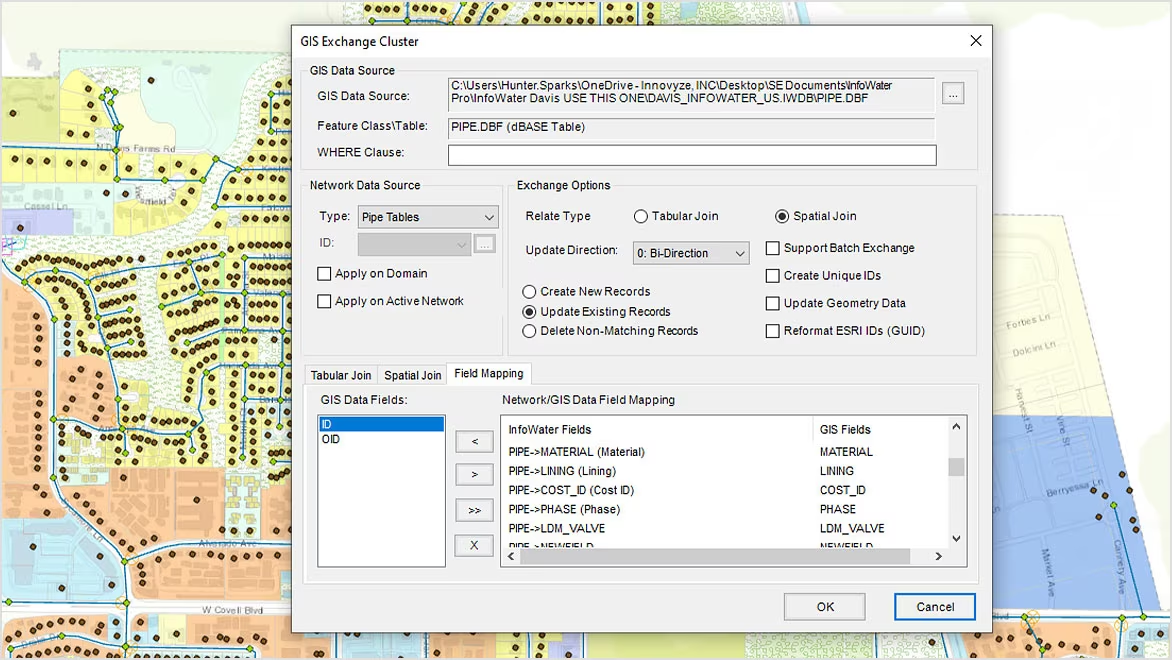
Seamless GIS data migration to InfoWater Pro
Make the most of your hard-earned GIS data to efficiently build and update your water distribution models, with a 1:1 relationship between InfoWater Pro models and ArcGIS Pro.
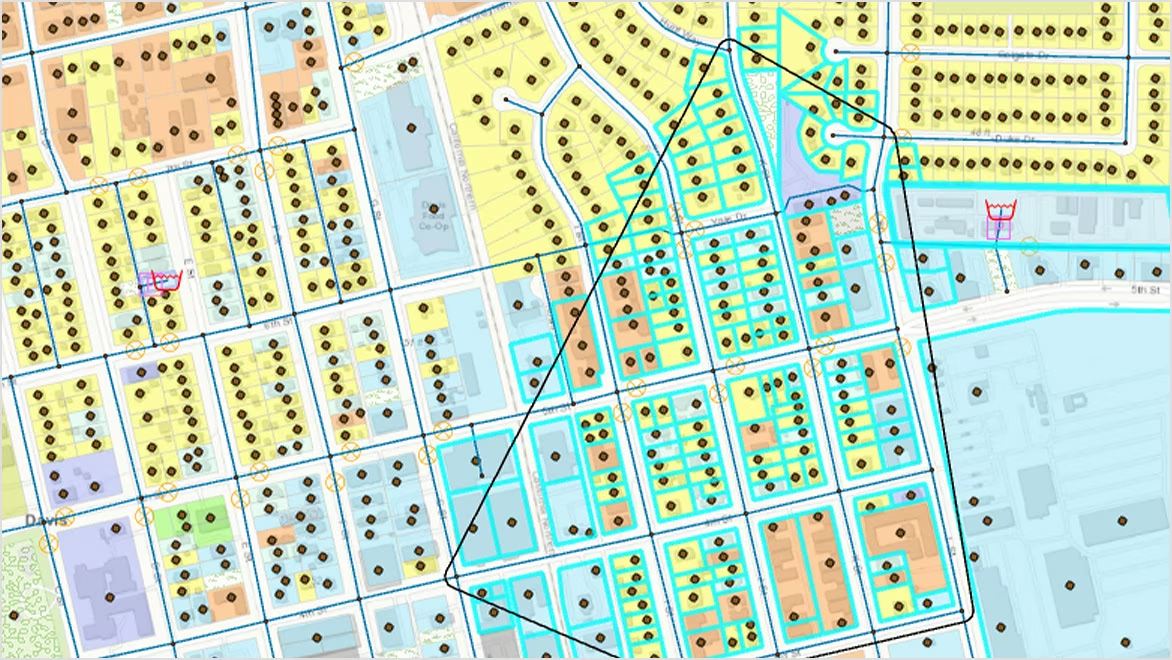
Take advantage of non-native modeling data
Use a customer layer to find out who will be affected by an incident and improve model calibration with more accurate demand allocation using meter data.
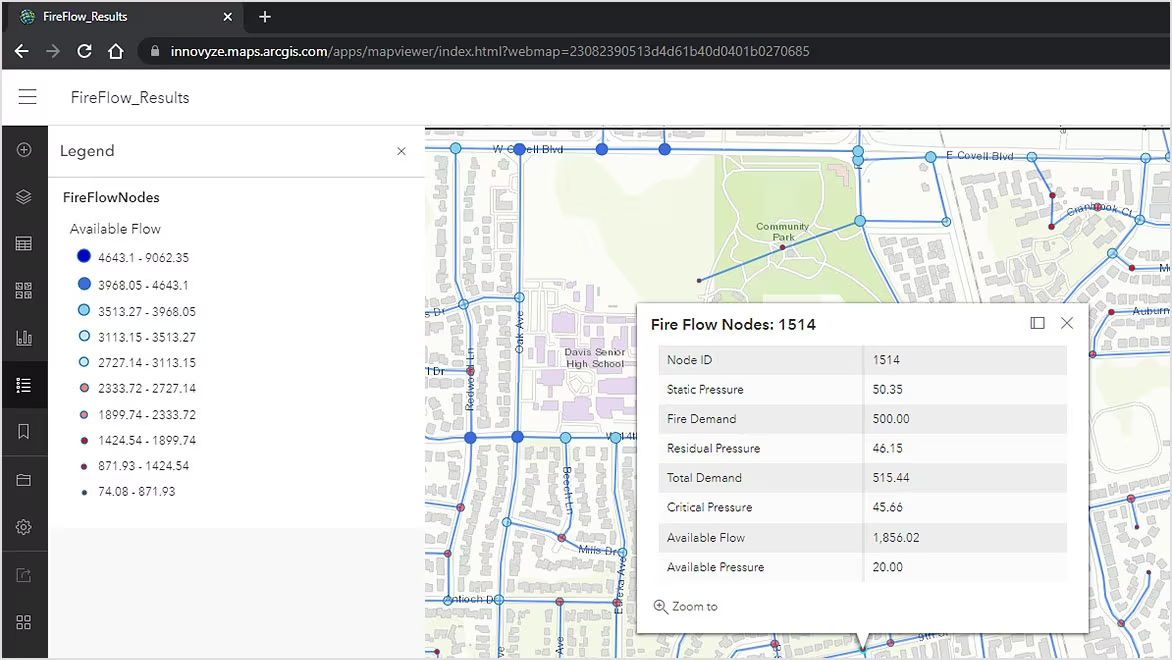
Share modeling information easily
The close integration of InfoWater Pro with ArcGIS Online and new Web Services makes it easy to share data within and outside your organization.
Frequently asked questions (FAQs)
Key features of Autodesk InfoWater Pro
Discover key functionalities of Autodesk InfoWater Pro that help hydraulic modelers effectively plan, design, and operate water distribution systems.
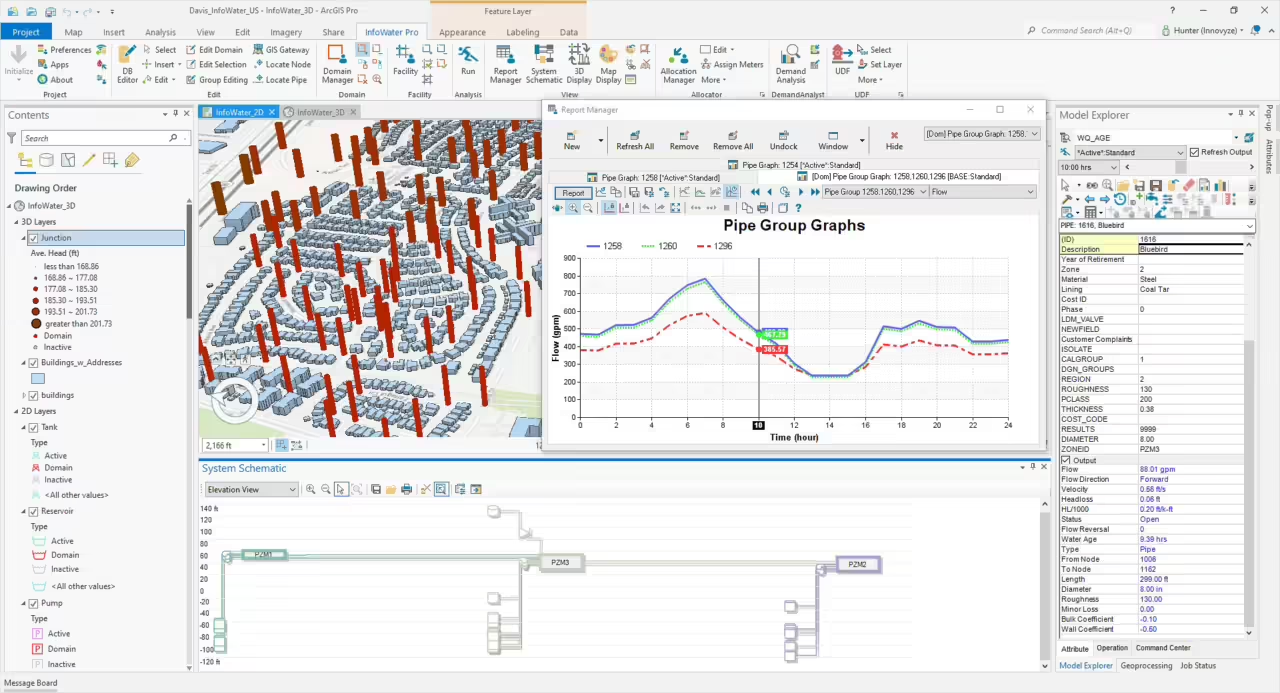
Model within ArcGIS Pro
Use geospatial tools to efficiently build and edit models, present results, and generate maps
Model-telemetry connection
Be more confident in your model by connecting external telemetry data for continuous verification
What-if scenarios
Create, analyze, and compare what-if scenarios to understand the impact of model modifications
Pressure zone schematic
Quickly view the entire model in a schematic view and get a performance summary of each zone
Pressure-dependent demand
Water models can provide more realistic results during outage simulations
Fire flow analysis
Easily confirm fire flow capacity by evaluating and improving the readiness of the water supply to fight fires
Fix water quality issues
Analyze the movement and concentration of a single constituent or multiple interacting chemical species
Track old water
Model water age to control odors and find the percentage of water originating from a specified location
Valve criticality
Prioritize expenditure for maintaining the serviceability of key assets by ranking critical valves
Unidirectional flushing (UDF)
Understand the hydraulics when flushing the system, to locate pipes to be flushed and valves to be closed
Better network visualization
3D visualization allows for new ways to view model data and understand results
Transient analysis
Simulate surge events and test the effectiveness of hammer protection devices